
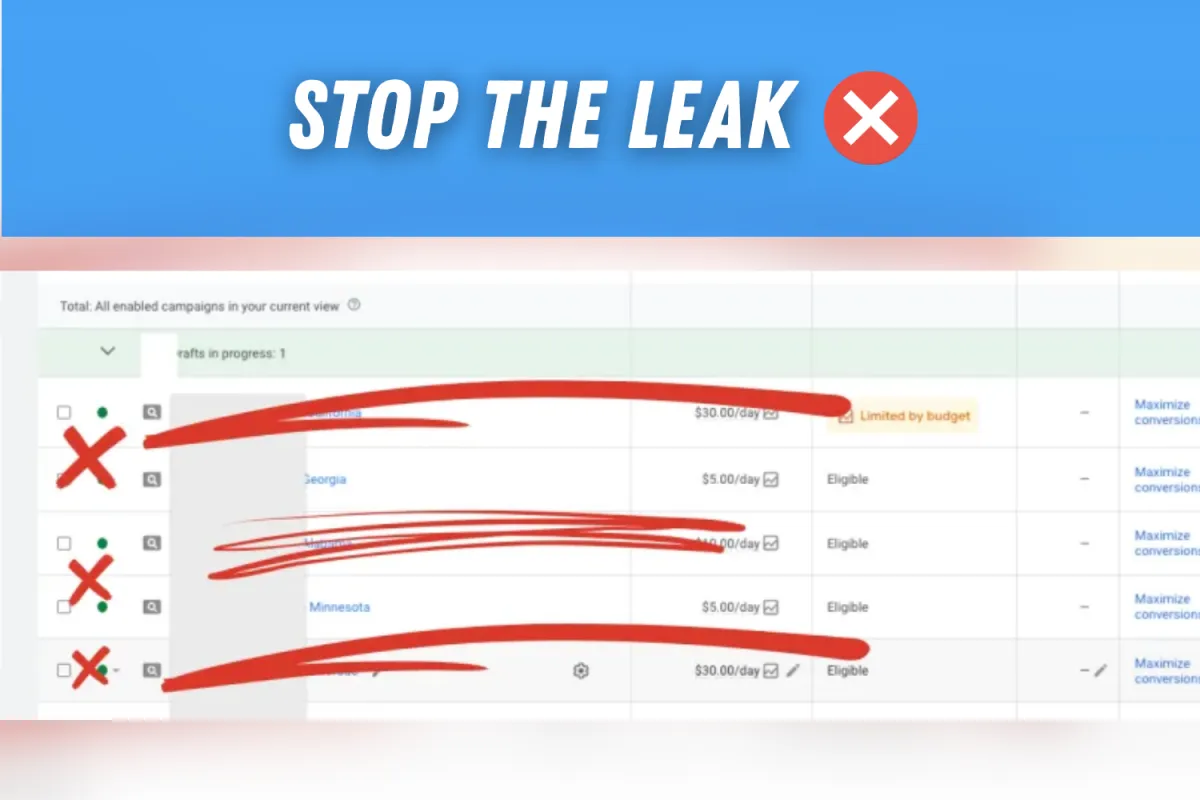
Google Ads Budget Settings That Waste Service Business Leads
Don't Let Google Turn Your Budget into a Black Hole
If you’re running Google Ads for your service business—whether you're an HVAC contractor, a plumber, or a general landscaper—you know the feeling: you pour money into Google, but the leads are low quality, the phone doesn't ring enough, and your cost per lead (CPL) is skyrocketing.
This often isn’t a creative problem; it’s a configuration problem. Google’s default settings are optimized for one thing: getting them to spend your money quickly.
In our system, we regularly take service businesses from a disastrous $161 CPL down to a profitable $18.74 CPL and multiply their monthly leads by 800%. The secret starts with fixing these four fundamental budget settings that are leaking cash from your campaign right now.
Leak 1: The Device Drain (Neglecting Mobile Bid Adjustments)

Most service business owners overlook the huge difference in intent between a user searching on a desktop computer and a user searching on a mobile device.
The Problem
If your Google Ads budget is set to default, you're bidding equally for mobile and desktop users. For many local service niches, mobile traffic is where immediate, high-intent calls happen ("My sink is flooding, call a plumber now"). Desktop searches often signify research or less urgent intent.
If your competitors are adjusting their mobile bids up, and you aren’t, you're missing out on the most valuable clicks or overpaying for poor-quality desktop research clicks.
The Fix
Audit your campaign's performance by device. If mobile converts at a much higher rate (or simply generates the instant phone calls you need), implement a positive bid adjustment for mobile devices (e.g., $+15\%$). Conversely, if desktop traffic is only generating low-value form fills, you can implement a negative adjustment (e.g., $-20\%$) to allocate that budget to higher-converting mobile leads.
Leak 2: The Geo-Fence Fail (Broad Location Targeting)

You service a 15-mile radius around your city, but your campaign is targeting the entire state or even the entire country. This is a common, disastrous budget leak.
The Problem
Google's default location targeting is often too broad. If you select "New Jersey," you might be paying for clicks from users 100 miles outside your service area who are simply planning a move or looking up general information. These clicks spend your budget and never convert into a booking.
The Fix
Implement radius targeting (e.g., a 10-mile circle around your office or primary service zones) rather than just broad city/state targeting. More importantly, check your Location Options settings. Ensure you are targeting people who are "Present or Regularly In" your targeted locations, not "People interested in" your targeted locations. This simple switch can eliminate global tire-kickers and focus your budget only on local residents.
Leak 3: The 'Smart Bidding' Trap (Without Smart Data)
Google pushes "Smart Bidding" strategies, which use machine learning to optimize bids. For accounts with a consistent, high volume of conversion data, this is effective.
The Problem
For a new or smaller service business campaign, switching to a Smart Bidding strategy like Target CPA (Cost Per Acquisition) or Maximize Conversions too early is a budget death sentence. If your campaign only gets 10 conversions per month, Google’s AI doesn't have enough data to "learn," causing it to make erratic bids, often leading to a spike in wasted spend while it tries to find a pattern.
The Fix
Start with a controlled bidding strategy like Maximize Clicks (with a maximum CPC cap) or Manual CPC. Once your campaign is consistently generating 30-50 verified, high-quality conversions per month, then, and only then, consider gradually transitioning to a Smart Bidding strategy. Control precedes automation.
Leak 4: The Time Thief (Ignoring Ad Scheduling)
Are you paying for clicks at 2 a.m. when your office is closed, or when your service trucks are off the road?
The Problem
If your ads run 24/7 and you only service calls between 8 a.m. and 5 p.m., you are paying for wasted clicks during off-hours that result in generic form fills (which competitors beat you to in the morning) or abandoned calls. Even worse, if you run a true emergency service, your budget must be front-loaded to the times when urgent calls are most likely (evenings and weekends).
The Fix
Review your actual business hours and call center coverage. Implement Ad Scheduling to only run ads during peak hours of operation or during the specific emergency windows that justify the cost. For instance, you can use negative bid adjustments ($100\%$ reduction) during non-working hours and positive bid adjustments during weekend mornings when high-value emergency calls for HVAC and plumbing services spike.
Frequently Asked Questions About Google Ads Budget Waste
Why is my Google Ads budget being wasted?
Most wasted Google Ads spend comes from broad location targeting, poor device settings, automated bidding before enough conversion data exists, and ads running during hours when the business cannot answer or qualify leads.
What budget settings should a service business check first?
Start with location options, service-area targeting, device performance, daily budget pacing, bid strategy, conversion quality, and ad scheduling. These settings usually reveal whether the campaign is paying for real prospects or low-quality clicks.
Can fixing budget settings lower cost per lead?
Yes. When wasted locations, weak devices, bad hours, and premature automation are cleaned up, more of the same budget goes toward searches that are likely to become booked calls or form leads.
Want to know where your Google Ads budget is leaking?
Grow My Clicks reviews service-business Google Ads accounts and shows exactly which settings are wasting spend, lowering lead quality, or blocking booked calls.
Related: If you run an aesthetic clinic, injectables practice, or appointment-based spa, see our Google Ads for med spas page for consultation-focused campaign strategy.
For the broader account diagnosis, see why Google Ads waste money without leads.
Need help turning clicks into booked leads? See how Grow My Clicks manages Google Ads for local service businesses.