
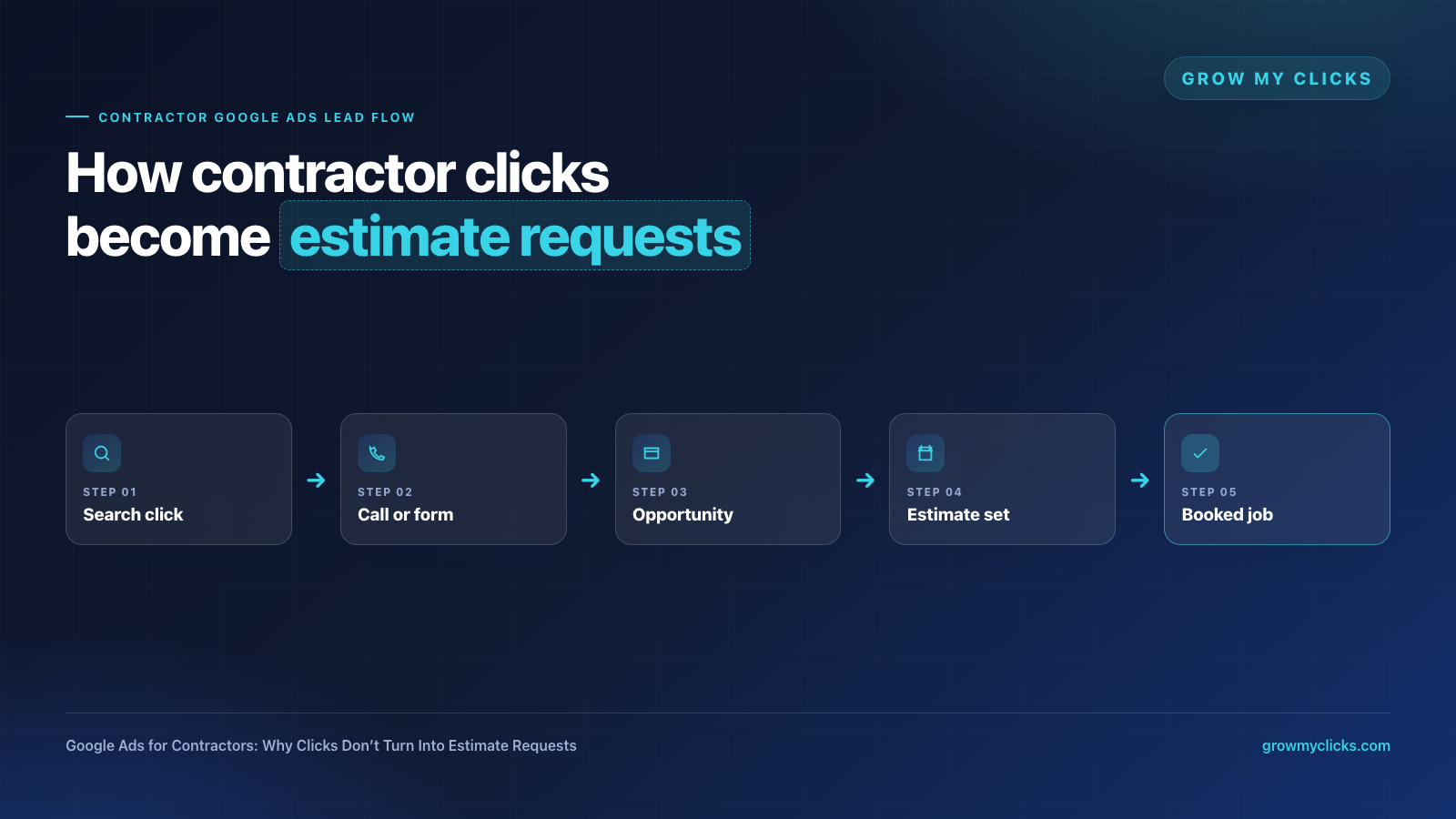
Google Ads for Contractors: Why Clicks Don’t Turn Into Estimate Requests
Getting clicks from Google Ads is not the same thing as getting estimate requests. For contractors, that difference matters. A campaign can look active inside Google Ads, show a healthy click count, and still fail to produce roofing estimates, remodeling consultations, painting quotes, HVAC appointments, flooring inquiries, or other real job opportunities.
The problem is usually not one single setting. It is the full path after the search: the keyword, the ad promise, the landing page, the form or call path, the speed of follow-up, and whether the business is tracking real opportunities instead of surface-level conversions.
Clicks Are Only the First Step
Google Ads can be powerful for contractors because people often search when they already need help. Someone searching for “kitchen remodel estimate near me” or “roof repair contractor” is usually much closer to taking action than someone scrolling social media.
But if the campaign is attracting the wrong searches, sending people to a generic page, or measuring every form fill as equal, those clicks can turn into weak leads instead of serious estimate requests.
1. The Keywords Are Too Broad
Many contractor campaigns waste budget because the keyword targeting is too broad. A remodeling company may want kitchen remodel jobs, but broad keywords can bring in searches about DIY ideas, material prices, jobs, classes, inspiration photos, or unrelated services.
Better contractor campaigns separate high-intent searches from research-stage searches. For example, “bathroom remodel estimate,” “roof repair company near me,” and “deck builder quote” are usually stronger than generic terms like “home improvement” or “contractor.”
2. The Ad Promise Does Not Match the Page
If the ad talks about a specific service but the click lands on a broad homepage, the visitor has to work too hard. Contractors often lose leads because the page does not immediately confirm the exact service, location, project type, and next step.
A stronger landing page should make the visitor feel like they are in the right place within a few seconds. The headline, proof, service area, photos, and call-to-action should all match the search that brought them there.
3. The Landing Page Asks for Too Much Trust Too Soon
For bigger contractor jobs, people usually want reassurance before they request an estimate. A page with only a headline and a form can feel thin. A page with too much generic company copy can feel unfocused.
The page should answer the questions people quietly ask before contacting a contractor: Do you handle this type of project? Do you serve my area? Can I see examples? What happens after I request an estimate? Are you responsive? Do you seem professional?
4. Calls and Forms Are Not Tracked Properly
A campaign cannot improve if every lead looks the same. Contractors need to know which searches, ads, and pages are producing real estimate requests, not just clicks or low-quality form fills.
At minimum, the campaign should separate calls, forms, booked appointments, and actual qualified opportunities. That makes it easier to cut wasted spend and scale the parts of the campaign that bring better jobs.
5. Follow-Up Is Too Slow
Even a good lead can go cold if the follow-up is slow. Many contractor leads contact multiple companies. If one business responds quickly and clearly while another waits hours or days, the faster business often wins the estimate opportunity.
That is why Google Ads should connect to a real follow-up process. Calls should be answered or returned quickly, forms should trigger immediate notifications, and missed calls should not disappear without a response.
6. The Campaign Optimizes for Leads, Not Jobs
A contractor does not really need more “leads.” They need more qualified estimate requests and booked jobs. If Google Ads is only optimized around cheap form fills, the campaign may get more volume while job quality gets worse.
The better goal is to understand which clicks create opportunities worth following up on. That requires tracking, CRM notes, call quality review, and a willingness to judge campaigns by business outcomes instead of vanity numbers.
Want to know where your contractor Google Ads are losing estimate requests?
Grow My Clicks helps contractors and local service businesses find wasted spend, improve landing pages, track better opportunities, and turn more search traffic into real calls, forms, and booked jobs.
Start with our Google Ads for contractors page, compare the broader local service Google Ads strategy, review our Google Ads management services, or book a free ad audit.
Contractor Google Ads FAQs
Why are my contractor Google Ads getting clicks but no leads?
Clicks without leads usually point to a mismatch between the search term, ad, landing page, offer, or follow-up process. The campaign may be attracting research traffic, sending visitors to a generic page, or failing to make the estimate request easy.
What should a contractor Google Ads landing page include?
A contractor landing page should include the exact service, service area, proof or project examples, a clear estimate request CTA, phone and form options, trust signals, FAQs, and tracking for calls and forms.
Should contractors send Google Ads traffic to their homepage?
Usually not for paid search. A focused landing page often works better because it can match the specific service and search intent. A homepage can be useful for brand research, but it is often too broad for conversion-focused ads.
How do contractors improve lead quality from Google Ads?
Improve lead quality by tightening keyword intent, excluding poor-fit searches, matching ads to specific services, using stronger landing pages, tracking calls and forms, and reviewing which leads become real estimate opportunities.